 COPIER
How to Scan Legal Size and Large Documents
To scan legal size documents, use your phone or a scanner’s document feeder. A phone has no glass to outgrow: lay the 8.5 by 14 inch page flat, hold the phone a little higher, and let the scanner find all four corners. A flatbed with letter-size glass can’t fit legal paper in one pass, so feed it through the document feeder if it takes legal, or scan it in two halves. Bigger sheets, like tabloid, A3 and blueprints, work the same way with a phone, or in overlapping sections.
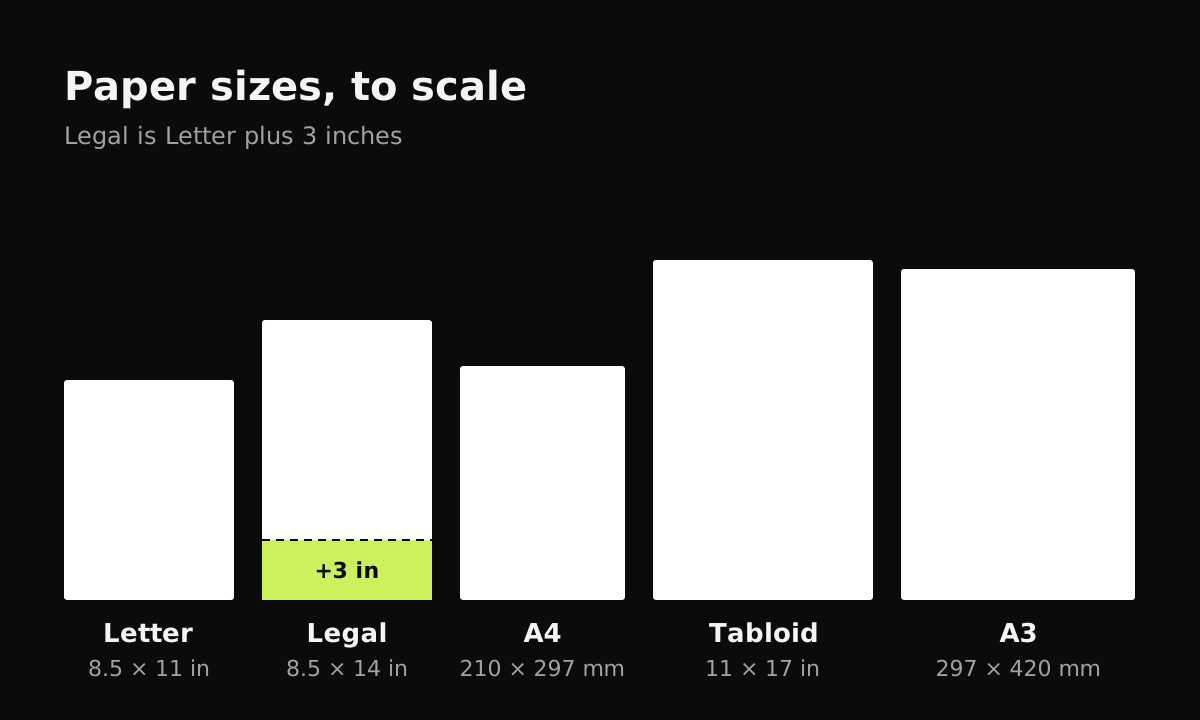
Paper sizes compared
Legal paper is the same width as Letter but 3 inches longer, which is exactly the part a letter-size flatbed cuts off. The last column shows the most detail a typical 12 megapixel phone photo (4,032 by 3,024 pixels) can capture if the page fills the frame; real scans land a little lower, because you leave a margin around the page.
| Size | Inches | Millimeters | Used for | Best case from a 12 MP photo |
|---|---|---|---|---|
| Letter | 8.5 × 11 | 216 × 279 | Most US documents | about 355 pixels per inch |
| Legal | 8.5 × 14 | 216 × 356 | US contracts, court and real estate forms | about 290 pixels per inch |
| A4 | 8.3 × 11.7 | 210 × 297 | Documents outside North America | about 345 pixels per inch |
| Tabloid (Ledger) | 11 × 17 | 279 × 432 | Spreadsheets, posters, newspapers | about 235 pixels per inch |
| A3 | 11.7 × 16.5 | 297 × 420 | Drawings, charts, posters | about 245 pixels per inch |
| ARCH D | 24 × 36 | 610 × 914 | Architectural blueprints | about 110 pixels per inch |
For reading text, 200 to 300 pixels per inch is plenty, so a single phone photo handles Legal, Tabloid and A3 well. A blueprint is a different story: one photo of the whole sheet won’t hold the fine print. For more on resolution, see the best DPI for scanning documents.
How to scan legal size documents with your phone
- Find a big enough surface. A dark table or floor with room around the page on all sides.
- Lay the page flat. Legal pages are often folded in thirds; flatten the creases with your hand or under a book.
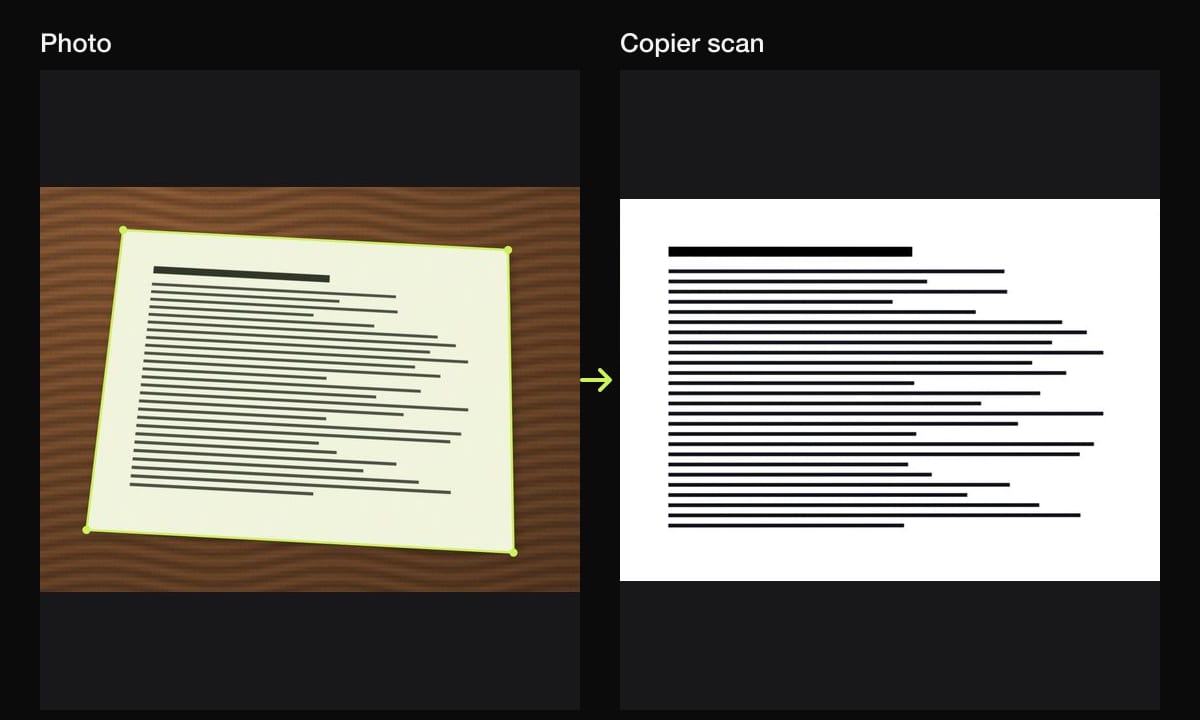
- Hold the phone higher. Raise it until the whole page fits with a small margin. It doesn’t need to be perfectly straight above; a good scanner corrects the angle.
- Let the scanner find all four corners before it takes the picture.
- Check the small print. Legal forms often have tiny text at the bottom. Zoom in; if it isn’t sharp, add light or move a little closer.
Watch for your shadow. When you lean over a long page, your head and shoulders can block the light. Stand so the light comes from the side or in front of you.
How to scan a large document
For anything bigger than Legal, you have three options:
- One photo of the whole sheet. Fine for a poster, a tabloid spreadsheet or an A3 drawing, where you want to see the whole thing. Stand on a chair if you need to, keep the phone parallel to the sheet, and use even light.
- Overlapping sections. For a blueprint or a map you need to read closely, scan it in parts, top left, top right, bottom left, bottom right, with a third of each scan overlapping the next. Keep them in one document, in order. You’ll be reading them as separate pages; joining them into one image takes a photo stitching tool.
- A print shop. Copy and print shops often have wide-format scanners that take a whole blueprint in one pass, at full detail. It’s the best choice for drawings you need to print again at full size.
Scanning legal paper with a flatbed or feeder
Many home flatbed scanners and all-in-one printers have a letter or A4 size glass. Some have a document feeder that takes legal paper even though the glass doesn’t; check the paper sizes listed in your printer’s specs or settings.
If your scanner only has the glass:
- Scan the top of the page, lined up with the top edge of the glass.
- Turn the page around and scan the bottom, so the two scans overlap in the middle.
- Keep both scans together in one file, in order.
It works, but it’s slower than a phone and the overlap is easy to get wrong, so a phone scan is often the better choice for a one-off.
Printing and page size
A scan is only legal size on paper if the file and the printer both say so. Before you print:
- Check the PDF’s page size. In most PDF viewers it’s in the document properties or the print dialog.
- Choose Legal paper in the print dialog and set the scale to Actual size or 100% if the PDF is legal size.
- If the PDF is letter or A4 size, the legal page has been scaled down to fit. That’s fine for reading or emailing, but it won’t print at the original size.
Scanning legal and large pages with Copier
Copier finds a page of any size as you point your phone at it, straightens it, and cleans it up on the device; nothing is uploaded. For a legal page, step back until the outline covers all four corners. With Auto on, it takes the picture once you’ve held still for about a second. Use Batch for a multi-page contract or for the sections of a large drawing.
Keep in mind how Copier exports. Shared as JPG (free), each page keeps its own shape. Shared as PDF (Copier Pro), every page is fitted onto an A4 sheet, turned to landscape for wide pages. That suits reading and emailing; if you need to print a legal page at its true size, share the JPG and print it on legal paper.
Tips
- Unfold and flatten first. Folds in a long page cast shadows across lines of text. If they’re stubborn, see how to get clean scans.
- Scan both sides of legal forms that print on the back, as separate pages in order. How to scan double-sided documents covers the order.
- Use black and white for text-only contracts. Files stay small even for a 20-page lease.
- Keep the whole contract in one document, then see how to scan multiple pages into one PDF.
- If you’re unsure of a paper size, measure it. A4 and Letter look almost the same until you hold them together; A4 vs Letter shows the difference.
Questions
How do I scan a legal size document if my scanner is letter size?
Use the scanner's document feeder if it takes legal paper, scan the page with your phone instead, or scan it on the glass in two halves. A phone has no size limit; you just hold it higher.
What size is legal paper?
US Legal is 8.5 by 14 inches (216 by 356 mm), the same width as Letter but 3 inches longer.
How do I scan a document that's bigger than my scanner?
Photograph it whole with your phone from far enough away to fit it in the frame, or scan it in overlapping sections. A print shop with a wide-format scanner is the best option for blueprints and maps you need at full detail.
Will a scanned legal page print at legal size?
Only if the file and your printer settings are legal size. Check the page size in the PDF before printing, and choose Legal paper and actual size in the print dialog.